
This module integrates Astragate (Zambian Payment Infrastructure) with Odoo, allowing seamless collection of payments via mobile money, bank transfers, and cards through Astragate ’s checkout system
Key Feature
- Full redirect flow to Astragate hosted checkout
- Support for ZMW currency
- Automatic Sales Order confirmation on successful payment
- Return URL handling (/payment/astragate/return)
- Robust error handling and logging
- Compatible with Website, Sales, and Invoicing
Installation & Setup
[!NOTE]
Currency Note for Screenshots & Testing:
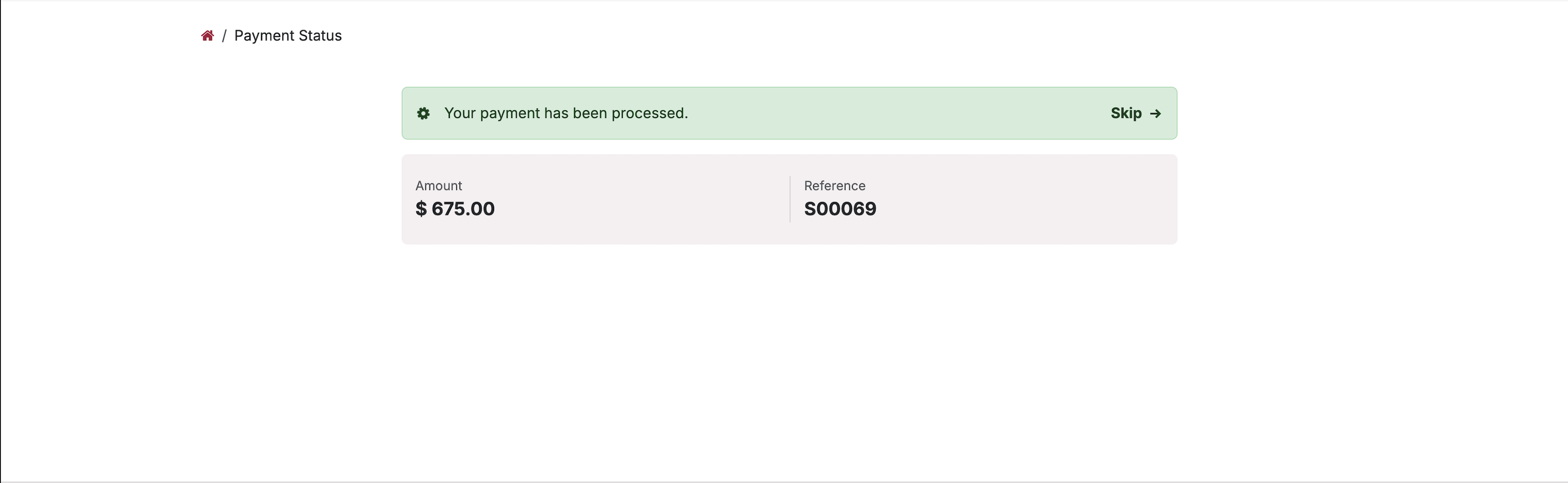
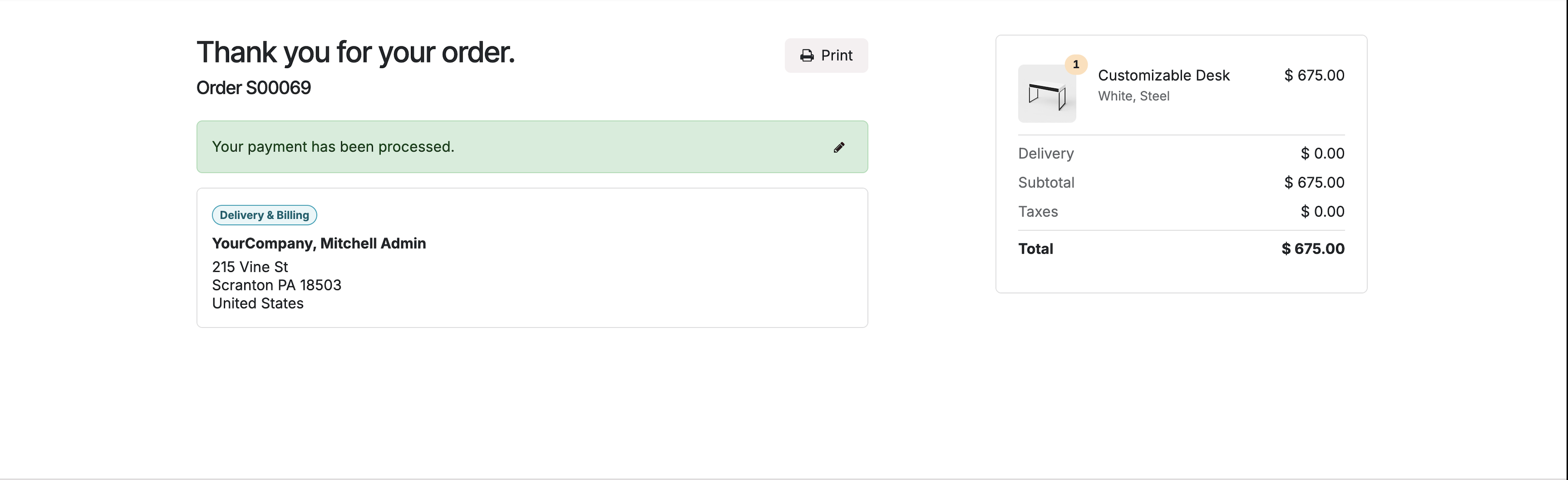
While the interface captures in the accompanying images display transaction values in Dollars ($) due to a localized sandbox environment setup, the Astragate Payment Gateway natively and strictly processes transactions in Zambian Kwacha (ZMW). Ensure your Odoo store currency is properly configured to ZMW for production environments.
-
Install the Module
-
Place the payment_astragate directory into your Odoo custom addons path.
-
Log in to your Odoo instance as an Administrator and activate Developer Mode.
-
Navigate to the Apps dashboard.
-
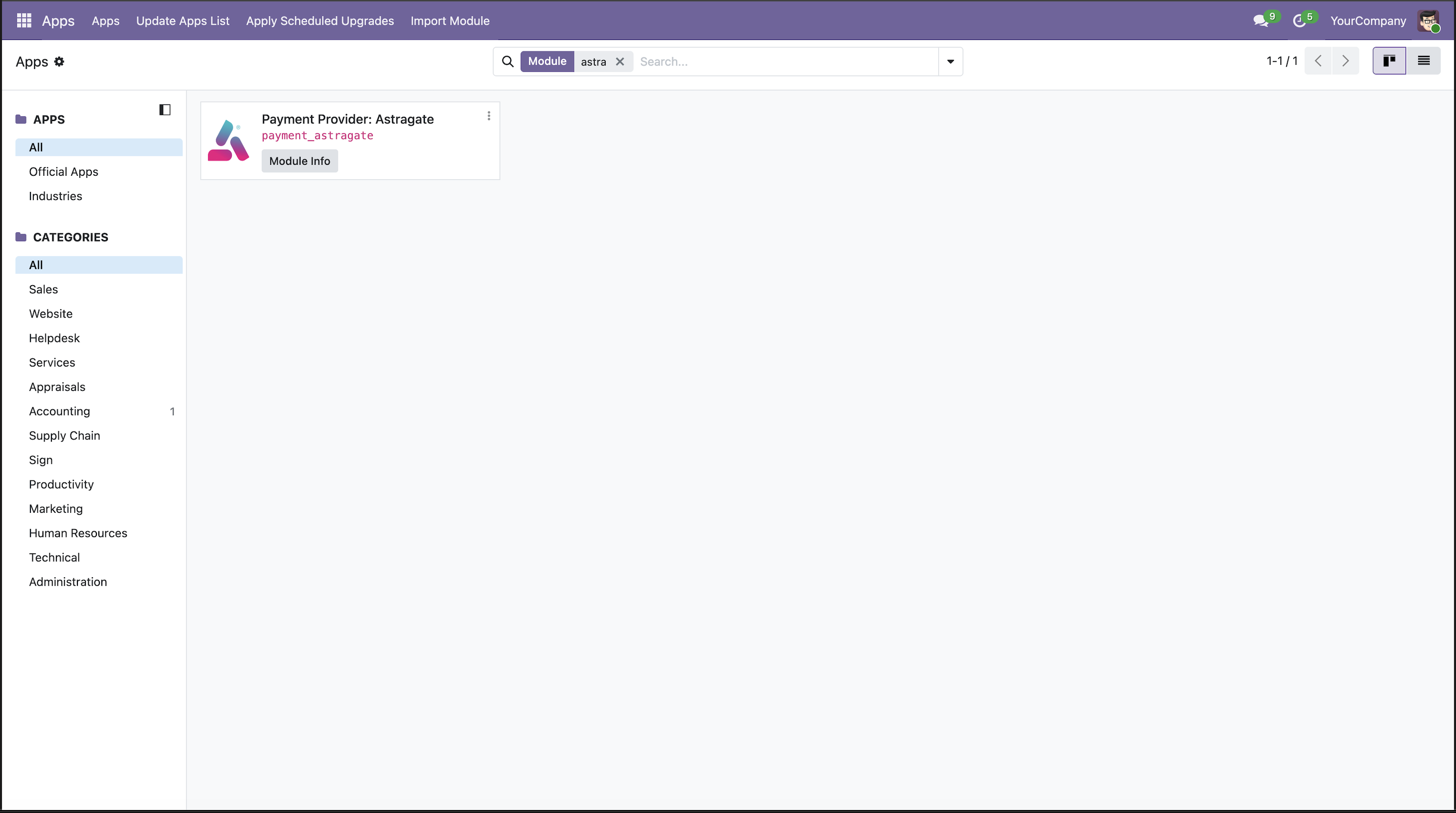
Click Update Apps List in the top menu bar, then search for astragate.
-
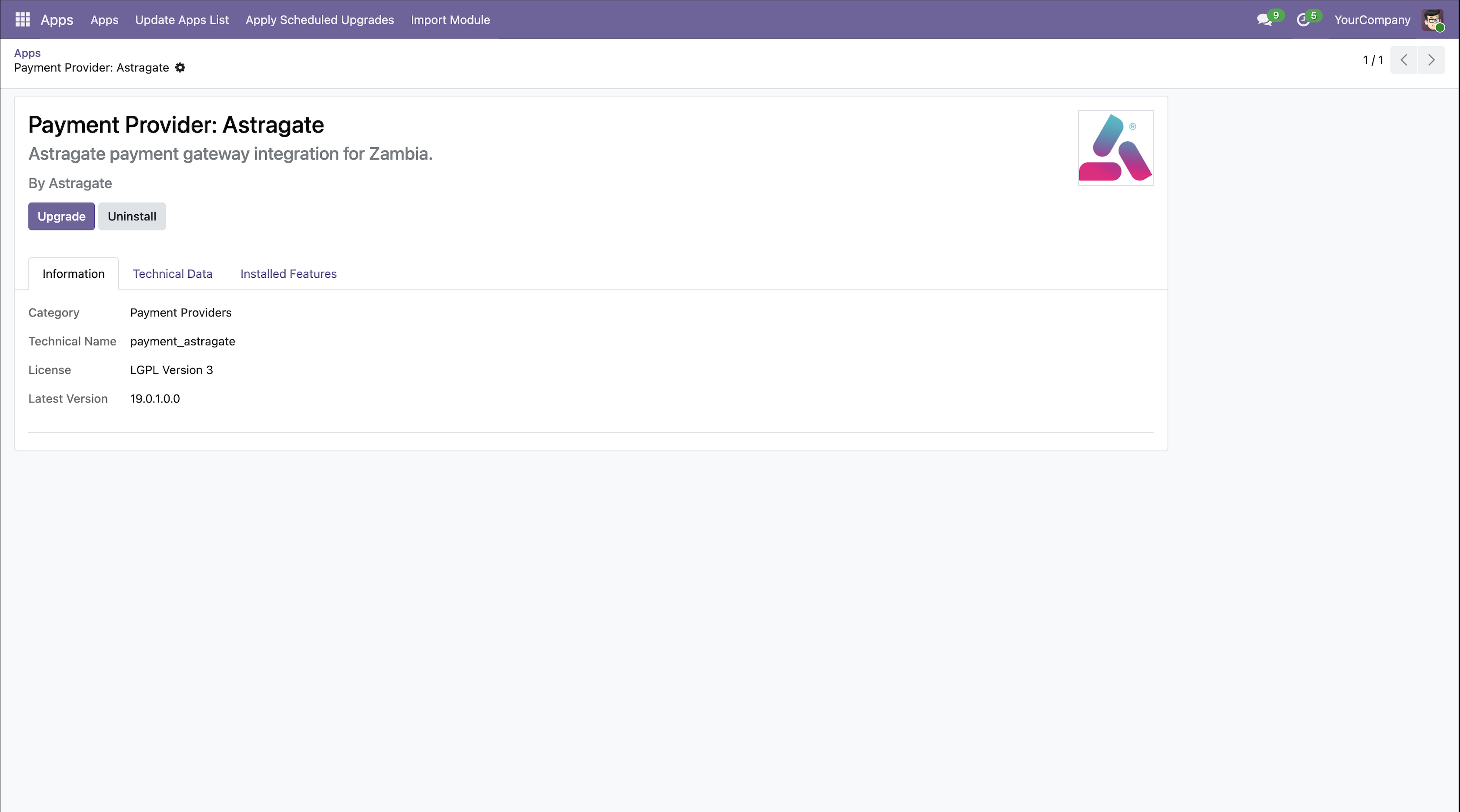
Click Install on the Payment Provider: Astragate module card.
-
-
Locate Payment Providers Configuration
-
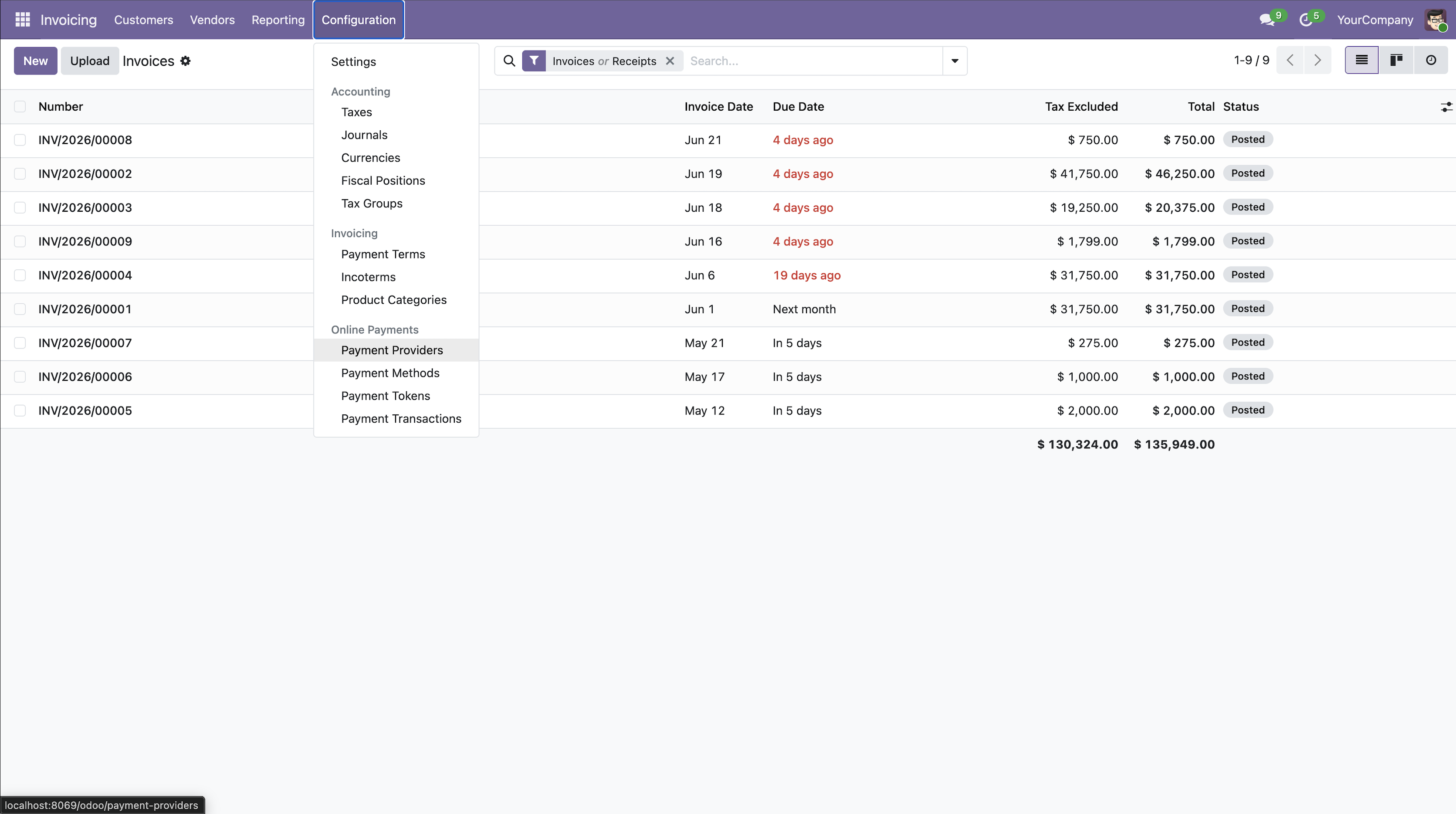
Navigate to the Invoicing or Accounting App.
-
In the top menu, go to Configuration -> Online Payments -> Payment Providers
-
-
Configure Astragate Credentials
-
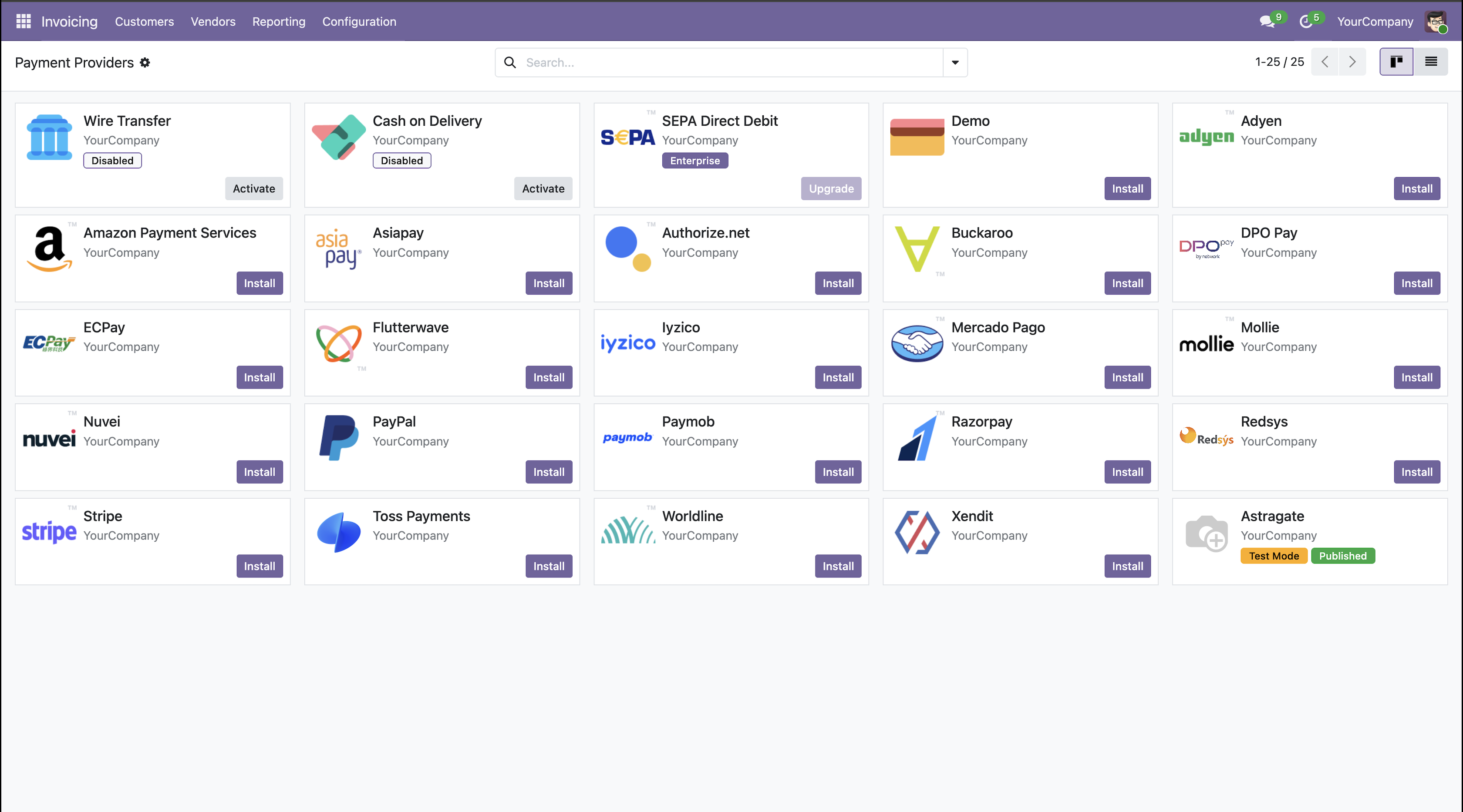
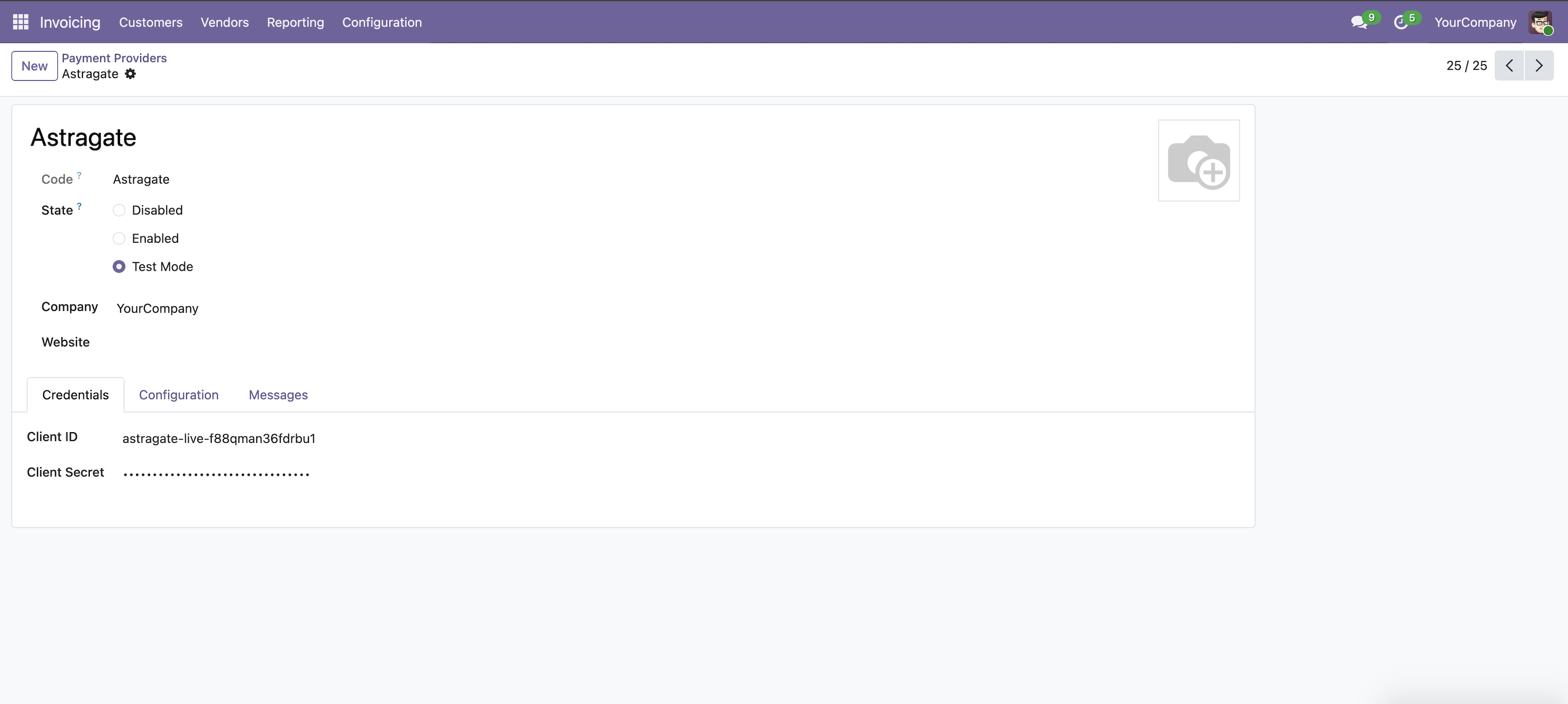
Look for the Astragate provider card in the grid (it will appear with a yellow Test Mode or green Published badge depending on status) and click into it.
-
Set State: * Choose Test Mode for sandboxed validation.
-
Choose Enabled to go live and begin accepting real transactions.
-
Enter API Keys: Under the Credentials tab, input your merchant keys provided by the Astragate portal:
- Client ID (e.g., astragate-live-...)
- Client Secret
-
User & Checkout Flow
Once configured, the checkout journey transitions seamlessly between Odoo and your ecommerce gateway:
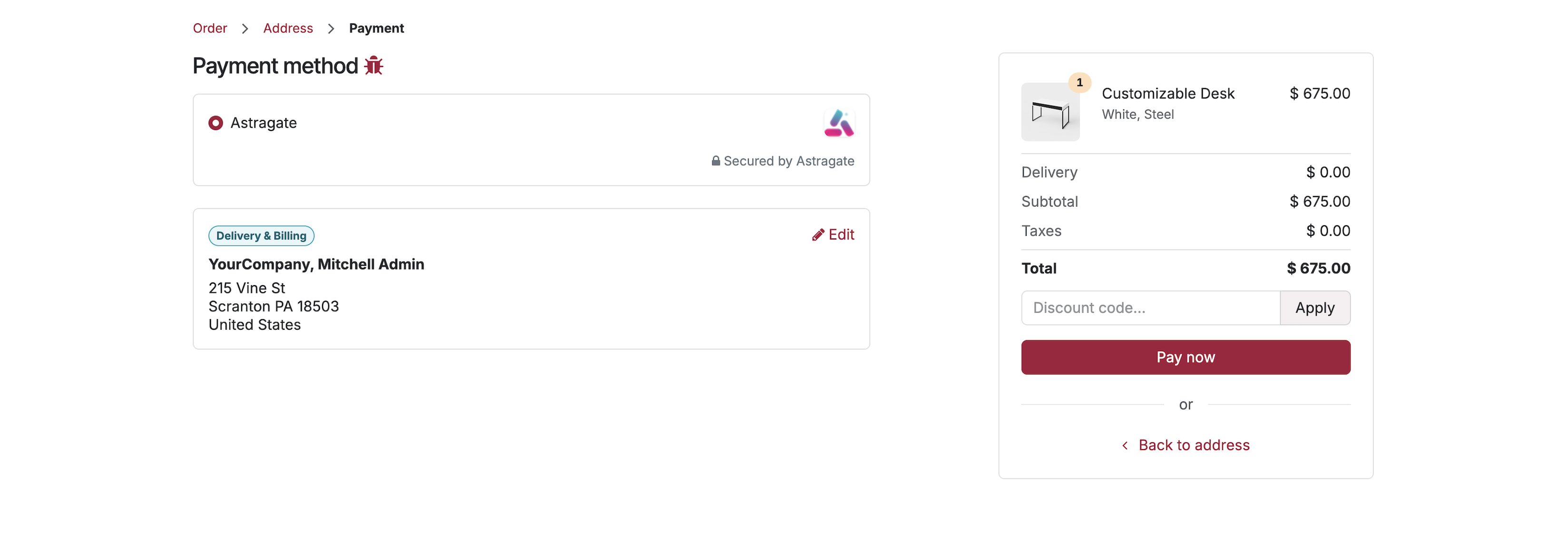
Step 1: Customer Checkout
When a customer reviews their cart on your Odoo Website e-commerce shop, Astragate appears as a secure payment method option. Clicking Pay now initiates the payment pipeline.
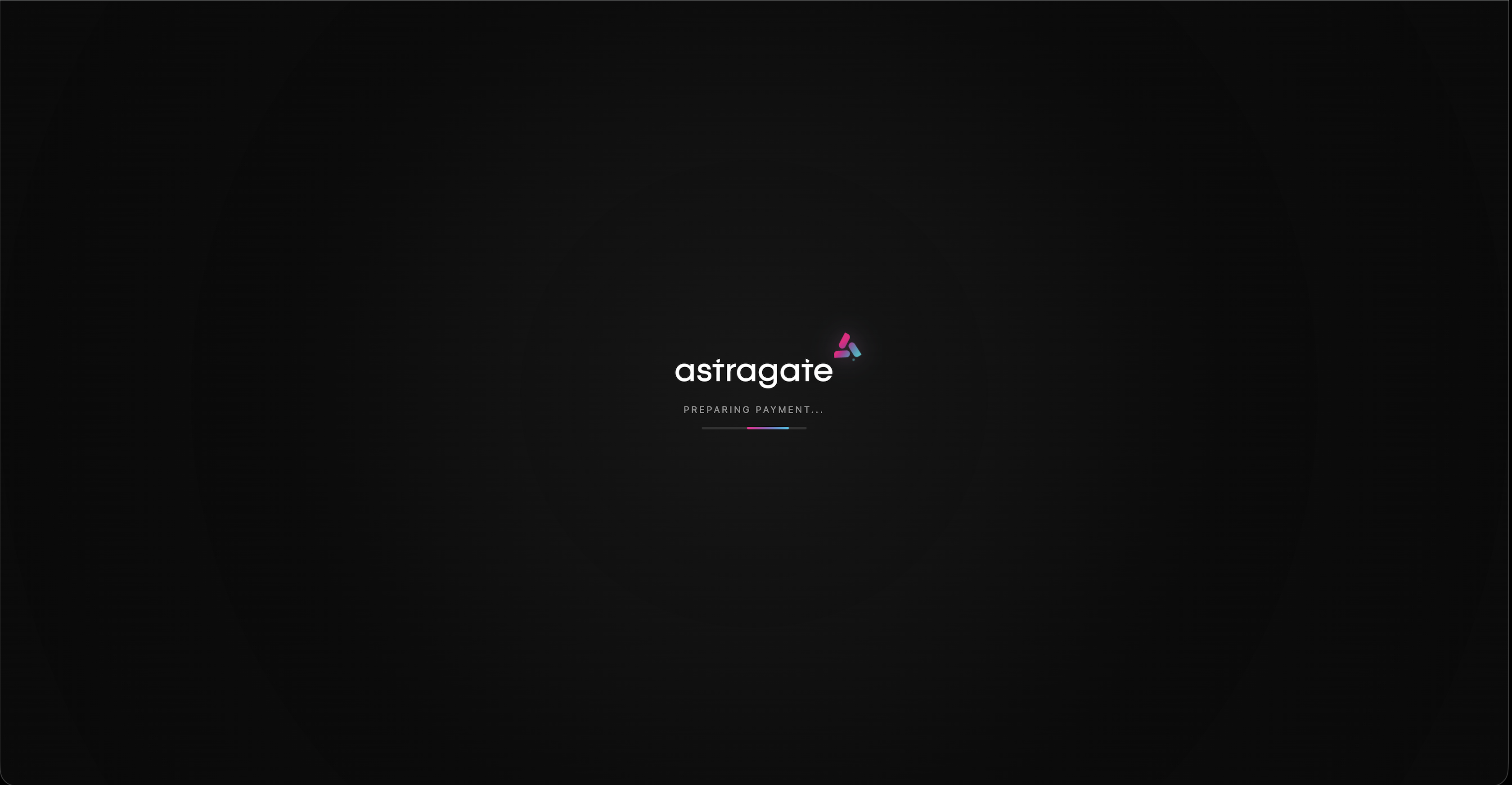
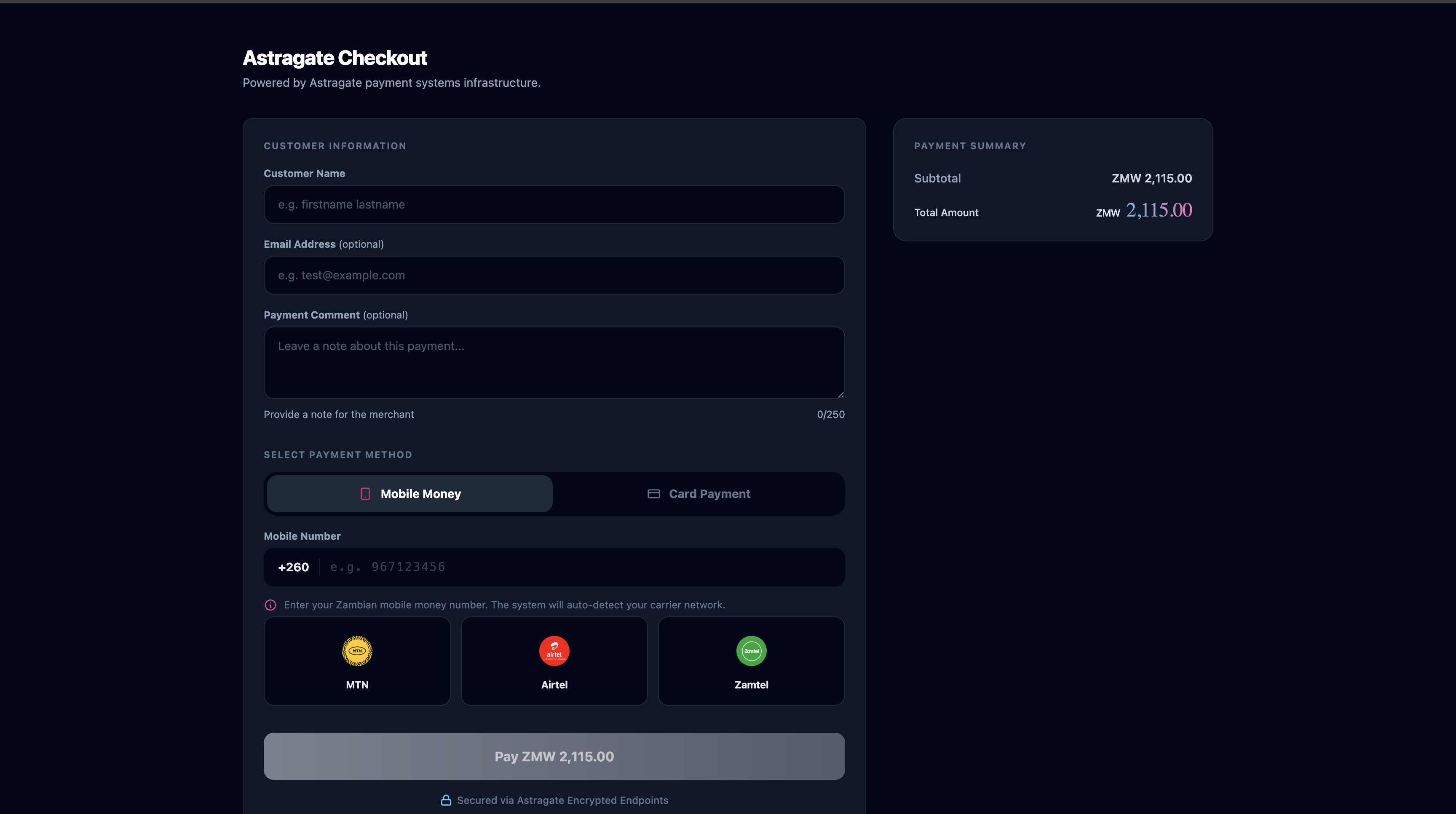
Step 2: Gateway Redirection
Odoo securely communicates transaction metadata to the provider ecosystem, routing the customer through the custom payment link flow to complete their transaction safely.
Step 3: Transaction Finalization
Upon successful completion, the gateway transfers control back to Odoo. The platform updates the customer dynamically via a Payment Status banner confirming the funds have cleared.
Step 4: Order Confirmation
The process concludes on the standard Order Confirmation page (/shop/confirmation), displaying full summary specifications alongside the designated sales order index reference identifier (e.g., S00069).
Backend Order Management
Sales workflows sync silently behind the scenes to automate your operational pipeline:
- Automated Status Upgrades: Successful transactions trigger status alterations directly in the Sales module.
- Sales Quotation Realization: The raw pipeline draft is automatically promoted to a confirmed Sales Order status tag.

Technical Details
Key Files:
- models/payment_provider.py – Provider configuration + API
- models/payment_transaction.py – Transaction processing + notification handling
- controllers/main.py – Return URL handler
- views/templates.xml – Loading / redirect screen.
- data/payment_method_data.xml – Payment method registration
Main Methods:
- _astragate_authenticate() – OAuth2 Client Credentials with caching
- _astragate_make_request() – Generic authenticated API calls
- _get_specific_processing_values() – Prepares redirect to Astragate
- _process_notification_data() – Handles success/failure
Troubleshooting
Issues
- "Client ID / Secret required": Fill all required fields in provider form.
- Order not confirmed: Check _process_notification_data logs
- Token authentication fails: Verify Client ID & Secret + network access
- Wkhtmltopdf error: Install wkhtmltopdf or use _post_process